JavaScript Operators for Beginners: 5 Essential Types You Need to Know
In the last lesson, you learned how variables work in JavaScript. You saw how let, const, and var let you store information, and how that information can take different forms — strings, numbers, booleans, undefined, and null. That was an important first step, because before you can do anything useful in JavaScript, you need a way to hold onto values. However, storing values is only half the story. The real power of programming comes from what you can do with those values, and that’s where JavaScript operators come in.
JavaScript operators are symbols or short words that tell JavaScript to perform specific actions on your values. They’re the tools that let you calculate, compare, combine, and update information. Without JavaScript operators, your variables would just sit there storing data with nothing to do. In contrast, with operators, you can build real logic and make your programs actually work.
Here’s a simple example:
javascript
const price = 20;const quantity = 3;const total = price * quantity;console.log(total);
If you run this code, you’ll see 60 printed to the console. Nothing magical happened here — we simply took two variables, price and quantity, and multiplied them together using the * operator. The result was stored in a new variable called total, and then we printed it out.
This is the essence of what operators do: they let JavaScript take the values you’ve stored in variables and actually work with them — calculating, comparing, combining, and updating information. Therefore, by the end of this lesson, you’ll understand exactly how that works, and you’ll be able to write JavaScript code that does real calculations and makes real decisions.
What Are Operators in JavaScript?
Think about a basic calculator for a moment. You press some numbers, then you press a symbol like + or -, and the calculator performs an operation on those numbers. JavaScript operators work in a very similar way. To clarify, an operator is a symbol (or sometimes a short word) that tells JavaScript to perform a specific action on one or more values. Understanding how different JavaScript operators work is essential to becoming comfortable with the language.
Those values that operators work with are often called operands. For example, in the expression price * quantity, the operator is *, and price and quantity are the operands.
There are several categories of JavaScript operators, and each one has a different job:
- Arithmetic operators – used for math, like addition and multiplication.
- Assignment operators – used to store or update values in variables.
- Comparison operators – used to compare two values and get a
trueorfalseanswer. - Logical operators – used to combine or reverse conditions.
- Increment and decrement operators – used to quickly increase or decrease a number by one.
Don’t worry about memorizing all of these right now. We’ll walk through each category one at a time, with plenty of examples along the way.
JavaScript Arithmetic Operators
JavaScript operators are probably the easiest to understand because they work just like the math you already know. To begin with, here are the main arithmetic operators:
| Operator | Meaning |
|---|---|
+ | Addition |
- | Subtraction |
* | Multiplication |
/ | Division |
% | Remainder (also called “modulo”) |
** | Exponent (power) |

Let’s see them all in action:
javascript
const a = 10;const b = 3;console.log(a + b); // 13console.log(a - b); // 7console.log(a * b); // 30console.log(a / b); // 3.3333333333333335console.log(a % b); // 1console.log(a ** b); // 1000
Most of these arithmetic JavaScript operators should feel familiar. However, two of them deserve a closer look.
The % operator doesn’t calculate a normal division — it tells you what’s left over after dividing. For example, 10 % 3 equals 1, because 3 fits into 10 three times (making 9), with 1 left over. This is incredibly useful for things like checking whether a number is even or odd, or splitting items evenly into groups.
The ** operator raises a number to a power. In other words, a ** b means “a multiplied by itself b times.” In our example, 10 ** 3 is 10 × 10 × 10, which equals 1000.
Here’s a more practical example using arithmetic operators together, similar to something you might build in a real shopping app:
javascript
const price = 15;const quantity = 4;const total = price * quantity;console.log(total); // 60
This is exactly the kind of calculation you’d use to figure out the total cost of items in a shopping cart.
The Plus Operator With Strings
Here’s something that surprises a lot of beginners: the + operator doesn’t just work with numbers. It also works with strings, but it does something different.
When you use + with two strings, JavaScript doesn’t add them mathematically — it joins them together. This is called string concatenation, which is just a fancy way of saying “sticking text together.”
javascript
const firstName = "Alex";const lastName = "Smith";const fullName = firstName + " " + lastName;console.log(fullName); // "Alex Smith"

Notice the " " in the middle — that’s just a space character, added so the two names don’t get squished together into “AlexSmith.”
Now here’s where things can get a little tricky. What happens if you mix a string and a number?
javascript
console.log("5" + 2); // "52"console.log(5 + 2); // 7
In the first line, "5" is a string (notice the quotation marks), so JavaScript treats the whole operation as joining text together, giving you "52" — the character “5” followed by the character “2.” In the second line, both 5 and 2 are actual numbers, so JavaScript adds them normally and gives you 7.
This is a common source of beginner bugs. Therefore, if you ever get an unexpected result from an addition, check whether one of your values might accidentally be a string instead of a number.
JavaScript Assignment Operators
You already know the = sign from the previous lesson. In everyday math, = means “these two things are equal.” But in JavaScript, = means something different: it means “assign this value to this variable.” It’s not making a comparison — it’s giving a variable its value. To clarify, assignment is just one of several JavaScript operators that help you manage and update your data.
javascript
let score = 10;
This line says: “Create a variable called score, and store the value 10 in it.”
JavaScript also gives you shortcut operators for updating a variable based on its current value. These compound assignment JavaScript operators make your code faster to write and easier to read:
| Operator | Example | Same as |
|---|---|---|
+= | score += 5 | score = score + 5 |
-= | score -= 5 | score = score - 5 |
*= | score *= 5 | score = score * 5 |
/= | score /= 5 | score = score / 5 |
%= | score %= 5 | score = score % 5 |
Let’s see += in action:
javascript
let score = 10;score += 5;console.log(score); // 15
This is simply a shorter way of writing:
javascript
score = score + 5;
Both lines do exactly the same thing — they take the current value of score, add 5 to it, and store the result back into score. Once you get comfortable with the shortcut versions, they’ll make your code faster to write and easier to read.
JavaScript Comparison Operators
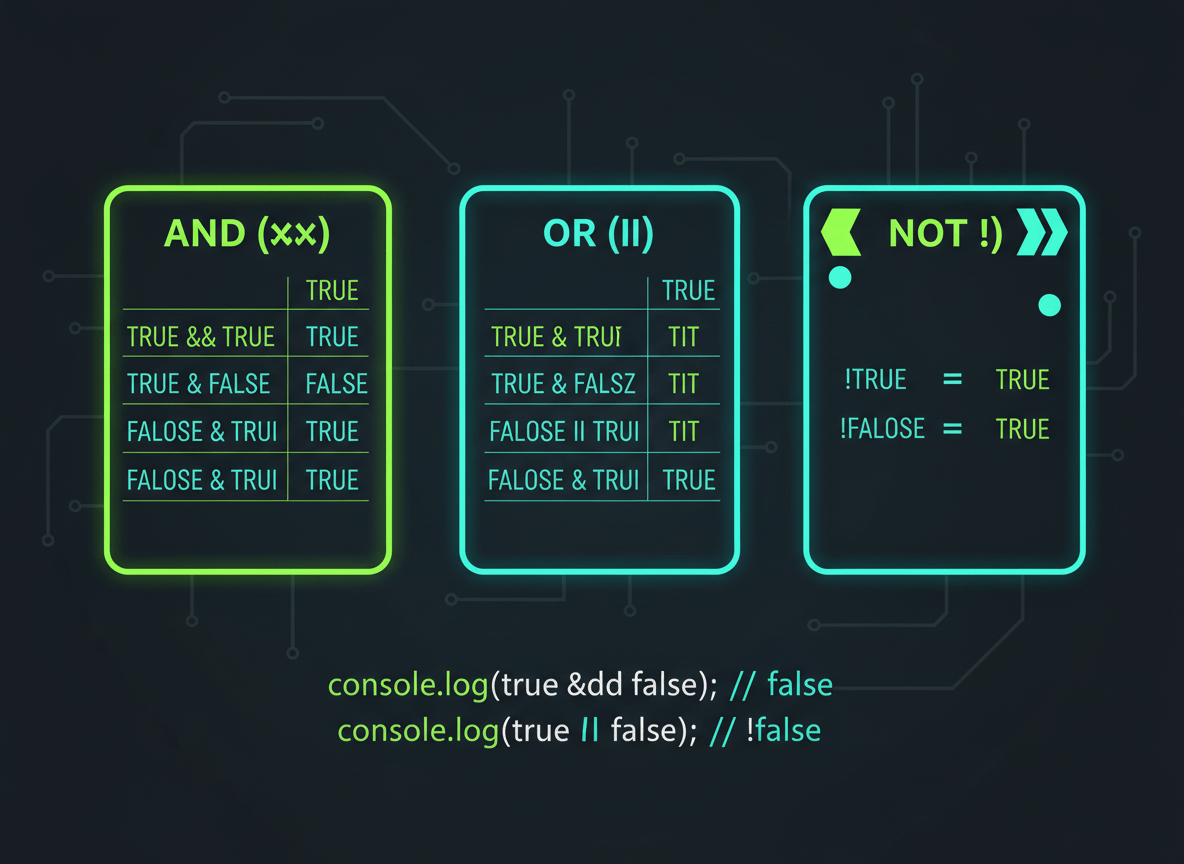
So far, every operator we’ve covered has produced a number or a string. However, comparison JavaScript operators are different — they always produce a boolean value, meaning the result is either true or false.
Here are the comparison JavaScript operators you’ll use most often:
| Operator | Meaning |
|---|---|
> | Greater than |
< | Less than |
>= | Greater than or equal to |
<= | Less than or equal to |
== | Loose equality |
=== | Strict equality |
!= | Loose inequality |
!== | Strict inequality |
Here’s a simple example:
javascript
const age = 20;console.log(age >= 18); // trueconsole.log(age < 18); // false
In plain English, the first line asks JavaScript, “Is age greater than or equal to 18?” Since age is 20, the answer is true. The second line asks, “Is age less than 18?” Since it’s not, the answer is false.
These comparisons are the building blocks of decision-making in code — later, you’ll use them inside if statements to control what your program does, but for now, it’s enough to understand what they return.
== vs === in JavaScript
This next topic trips up almost every beginner at some point, so let’s slow down and go through it carefully.
JavaScript actually gives you two different ways to check if two values are equal: == and ===.
javascript
5 == "5" // true5 === "5" // false
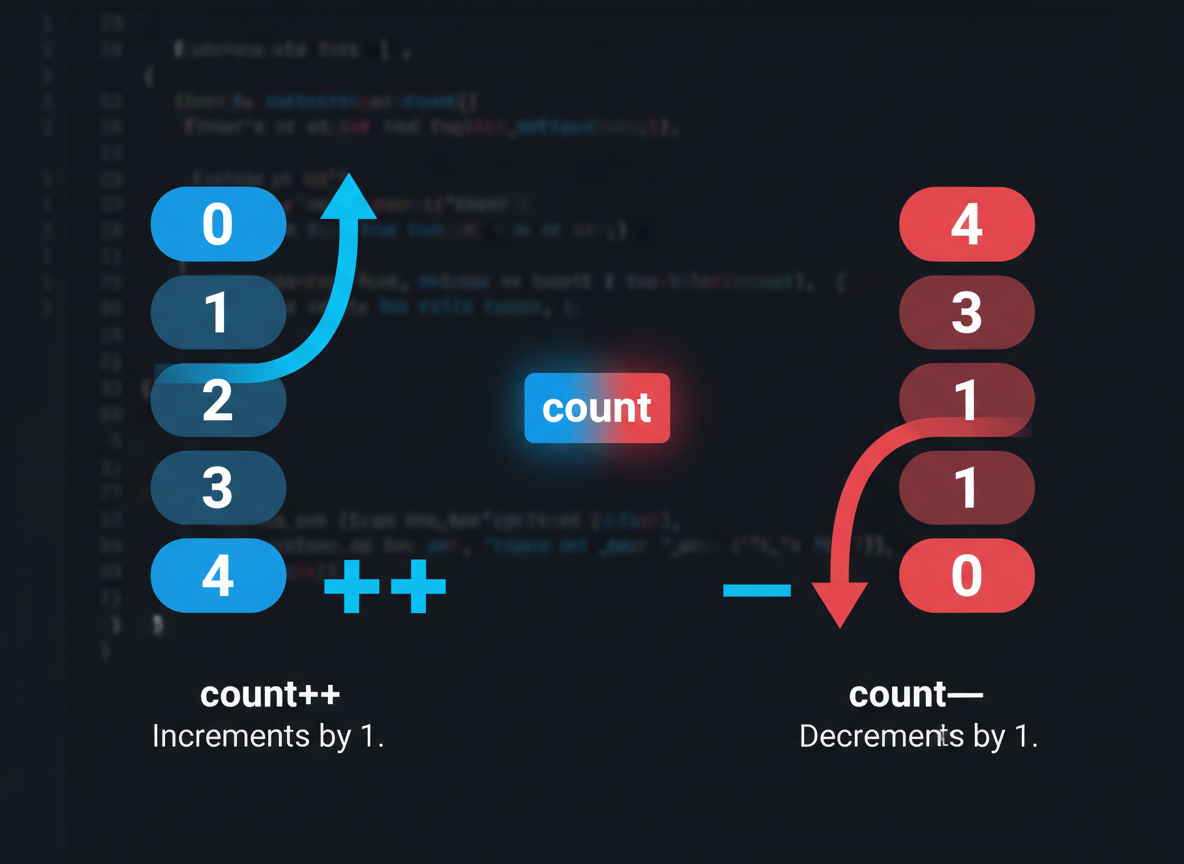
Why do these give different answers? The == operator, known as loose equality, is a bit relaxed about types. It will convert one value to match the other before comparing them. So when it compares 5 (a number) and "5" (a string), it converts one of them behind the scenes and decides they’re equal.
The === operator, known as strict equality, refuses to do any of that converting. It checks both the value and the type. Since 5 is a number and "5" is a string, they are considered different, even though they “look” similar.
Because of this, most experienced developers recommend using === almost all the time. It behaves more predictably, and it helps you avoid confusing bugs caused by JavaScript quietly converting your values without you realizing it.
The same logic applies to inequality:
javascript
5 !== "5"; // true, because the types are different
A simple rule to remember as a beginner: reach for === and !== by default, and only think about == or != once you fully understand how type conversion works.
JavaScript Logical Operators
Sometimes one comparison isn’t enough — you need to combine multiple conditions together, or reverse a condition entirely. That’s where logical JavaScript operators come in. They let you build more complex decision-making logic in your code.
There are three logical JavaScript operators you’ll use constantly:
&&— AND (true only if both sides are true)||— OR (true if at least one side is true)!— NOT (flipstruetofalse, orfalsetotrue)
Let’s look at && first:
javascript
const age = 25;const hasTicket = true;console.log(age >= 18 && hasTicket); // true
This line checks two things at once: is the person at least 18, and do they have a ticket? Since both age >= 18 and hasTicket are true, the whole expression is true. If either one had been false, the entire result would be false.
Now let’s look at ||:
javascript
const isWeekend = true;const isHoliday = false;console.log(isWeekend || isHoliday); // true
With ||, you only need one side to be true for the whole thing to be true. Here, isWeekend is true, so it doesn’t matter that isHoliday is false — the result is still true.
Finally, let’s look at !:
javascript
const isLoggedIn = false;console.log(!isLoggedIn); // true
The ! operator simply flips a boolean. Since isLoggedIn is false, !isLoggedIn becomes true. It’s a handy way to ask, “Is the opposite of this true?”
Increment and Decrement Operators
JavaScript operators also give you a shortcut for one very common task: increasing or decreasing a number by exactly one. These are the increment and decrement operators.
javascript
let count = 1;count++;console.log(count); // 2
The ++ operator increases a variable’s value by one. It’s a shorter way of writing count = count + 1.
The -- operator works the same way, but in reverse:
javascript
let lives = 3;lives--;console.log(lives); // 2
You’ll see these operators used often in situations like counting how many times something has happened, or tracking a player’s remaining lives in a simple game.
JavaScript Operator Precedence
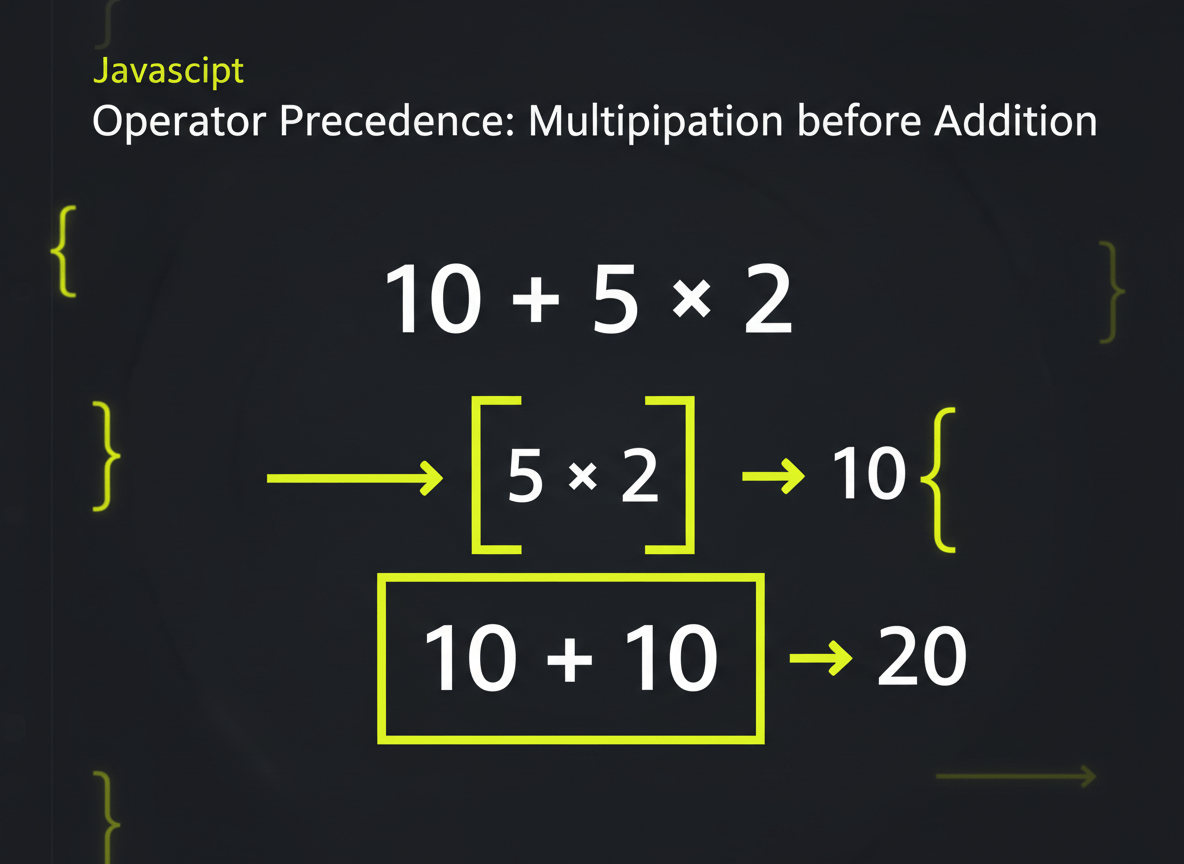
Here’s a question: what do you think this code prints?
javascript
const result = 10 + 5 * 2;console.log(result);
If you guessed 20, that’s a completely reasonable guess — but the actual answer is 20… wait, let’s check the math carefully: JavaScript, just like the math you learned in school, performs multiplication before addition. So it first calculates 5 * 2, which is 10, and then adds that to 10, giving a final result of 20.
This ordering of operations is called operator precedence. It determines which JavaScript operators perform their actions first when an expression has more than one operator.
If you want to control the order yourself, you can use parentheses:
javascript
const result = (10 + 5) * 2;console.log(result); // 30
Here, the parentheses tell JavaScript to calculate 10 + 5 first, giving 15, and then multiply that by 2, giving 30.
You don’t need to memorize the full precedence order for every single operator right now. Instead, get into the habit of using parentheses whenever there’s any chance your calculation could be read the wrong way. It costs you nothing, and it makes your intentions crystal clear — both to JavaScript and to anyone reading your code later.
Common Beginner Mistakes With JavaScript Operators
Let’s go over a few mistakes that almost every beginner makes at some point. Recognizing them now will save you a lot of confused debugging later.
- Confusing
=with===. Remember,=assigns a value, while===compares two values. Writingif (score = 10)instead ofif (score === 10)is a classic beginner slip. - Comparing strings and numbers without understanding the difference.
"10"and10might look the same, but they are different types, and that matters with===. - Using
==when===is more appropriate. Stick with strict equality unless you have a specific reason not to. - Forgetting that
%returns a remainder, not a regular division result. If you want a plain division, use/instead. - Mixing strings and numbers with
+by accident. This can silently turn a math calculation into text concatenation. - Forgetting parentheses in more complicated calculations. Without them, JavaScript may calculate things in an order you didn’t expect.
- Trying to change a
constvariable using assignment operators. Sinceconstvariables can’t be reassigned, writingtotal += 5on aconstvariable will cause an error. - Misunderstanding
&&and||. Remember:&&needs everything to be true, while||only needs one thing to be true.
Practical JavaScript Exercise
Now it’s your turn to practice. Imagine you’re building the logic for a small online store. You’re given the following values:
javascript
const price = 25;const quantity = 3;const discount = 5;
Your task: calculate the total cost after applying the discount, using the operators you just learned. Try writing the solution yourself before scrolling down.
…
Here’s one way to solve it:
javascript
const price = 25;const quantity = 3;const discount = 5;const subtotal = price * quantity;const total = subtotal - discount;console.log(total); // 70
Let’s walk through what happened. First, we multiplied price by quantity to get the subtotal, which comes out to 75. Then we subtracted the discount of 5, giving us a final total of 70.
Now let’s add a small comparison exercise. Suppose you also want to check whether a customer qualifies for free shipping, which requires being at least 18 years old and spending more than 50 dollars:
javascript
const age = 22;const amountSpent = 70;const qualifiesForFreeShipping = age >= 18 && amountSpent > 50;console.log(qualifiesForFreeShipping); // true
Since both conditions are true, the customer qualifies for free shipping. Try changing the numbers above and see how the result changes — that’s one of the best ways to build real understanding.
What You Have Learned
In this lesson, you covered a lot of ground with JavaScript operators. You should now be comfortable with:
- What JavaScript operators are and why they matter
- Arithmetic operators like
+,-,*,/,%, and** - How
+behaves differently with strings versus numbers - Assignment operators like
=,+=,-=,*=,/=, and%= - Comparison operators like
>,<,>=,<=,==,===,!=, and!== - The important difference between
==and=== - Logical operators:
&&,||, and! - Increment (
++) and decrement (--) operators - How operator precedence affects the order of calculations
- How operators work together with the variables and data types you learned in the previous lesson
Throughout the BeginnerCodeMastery.com JavaScript for Beginners series, each lesson builds on the concepts introduced in the previous one — and JavaScript operators are a perfect example of that. Everything you just learned about JavaScript operators will show up again and again as you continue building real JavaScript programs. Importantly, mastering these fundamental JavaScript operators now will make every future lesson easier to understand.
What Comes Next?
Now that you understand how JavaScript works with values and operators, it’s time to take a closer look at one of the most common types of data you’ll work with: text. In the next lesson, you’ll learn how to work with strings in more depth, including how to combine them, use handy built-in string methods, and create dynamic text using template literals — a modern and much cleaner way to build strings in JavaScript.
Continue Learning JavaScript
Previous Lesson: CLICK THE TEXT
Next Lesson: [JavaScript Strings and Template Literals for Beginners]